Features
Everything you need to organize personal documents securely: clear categories, easy sharing, backups, and offline access.
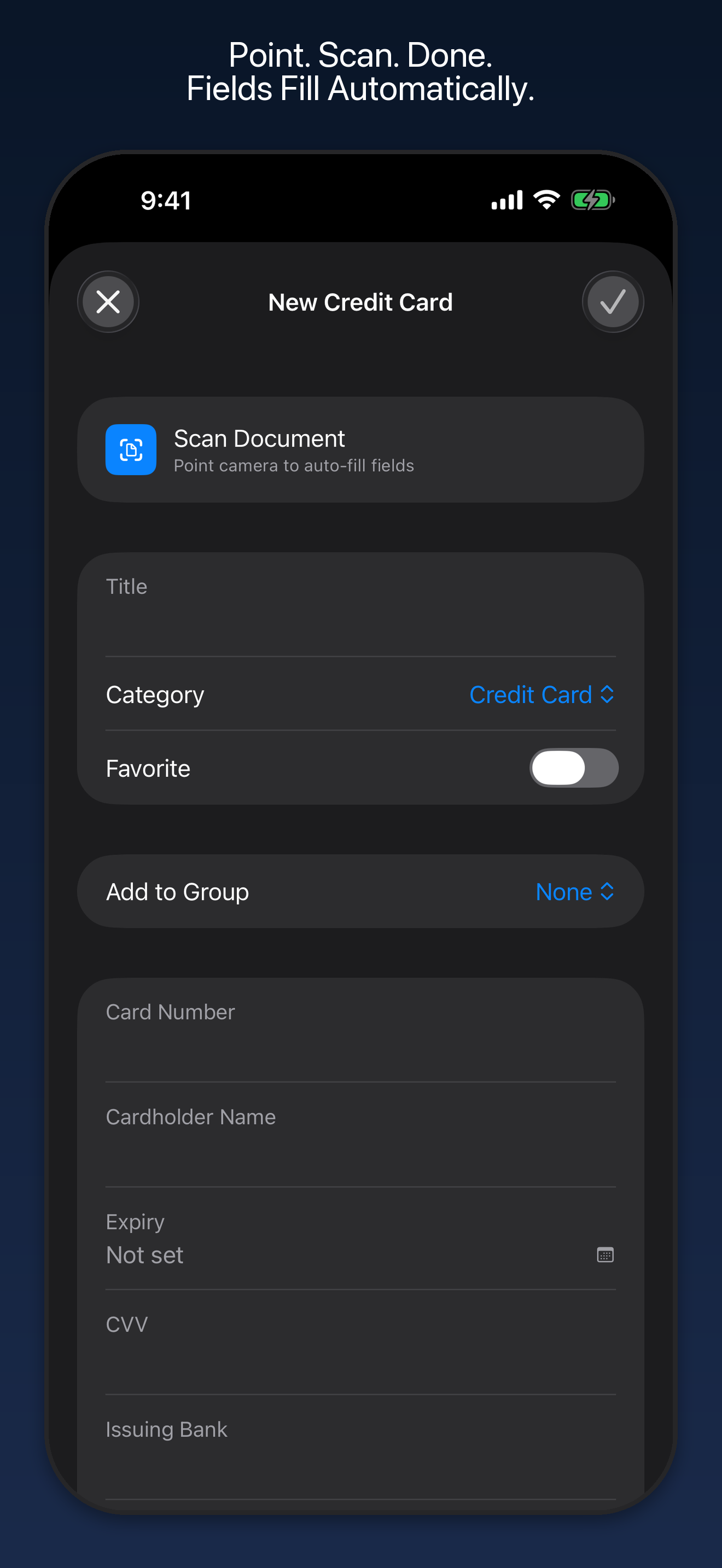
Smart Scan: Auto-Fill Documents with Your Camera
Point your camera at a document and Kryven Vault fills in the fields automatically. The camera finds the document's edges, straightens it and crops away the background, so every page comes out sharp and clear. On iPhone and iPad with Apple Intelligence, the on-device model then reads the document a second time and fills in or corrects more fields. Highly accurate, but always review before saving.
- Driver's Licenses: reads the barcode on the back (95%+ accurate)
- Passports: reads the Machine Readable Zone at the bottom (95%+ accurate)
- Credit Cards, Insurance, Memberships, Warranties: text recognition (80-90% accurate on clear documents)
- Wi-Fi: reads the network's QR code, and a saved network can show its own QR code so guests can join. IT Assets and warranties: read the serial number barcode on the label or box
- Scan works for every category except Secure Note, Software License, and Vital Records
- Capture the front and back, or every page, before saving
- With Apple Intelligence, the on-device model fills in or corrects more fields after the first fill, and briefly highlights what it changed. It never overwrites what you typed
- Available on iPhone and iPad
- 100% on-device, no data leaves your device, works offline
- Review and edit before saving, you're always in control
Powered by Apple Vision and, where available, Apple Intelligence. All processing happens on your device.
Get Started: Your Vault, Ready in Seconds
A guided first run gets your vault going right away, whether you're bringing documents over or starting from scratch.
- Import straight from 1Password, Bitwarden, LastPass, or Dashlane
- Or Start Fresh with a curated set of common documents you can pick from
- Smart matching skips anything you already have, so you only add what's missing
- Everything lands in your own named personal group, ready to organize
Organization
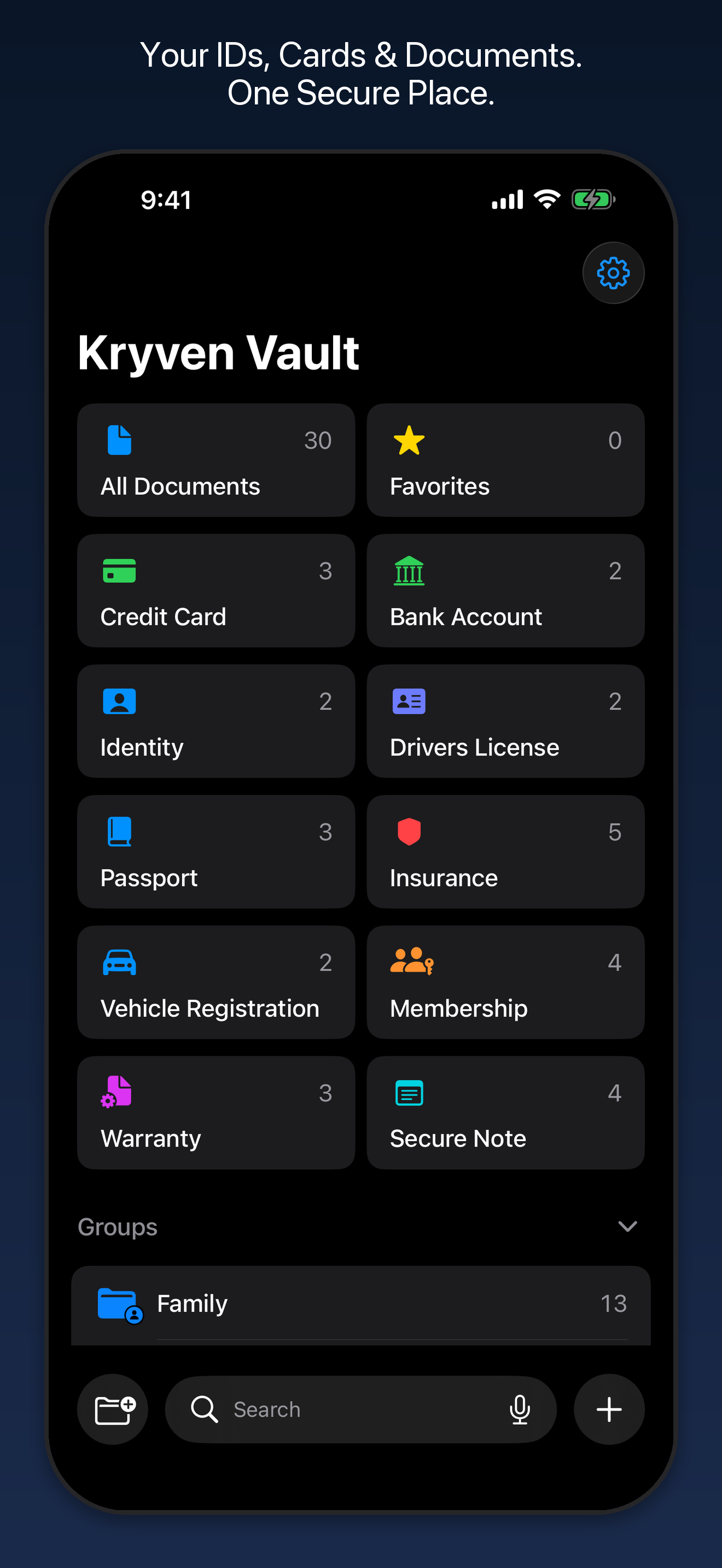
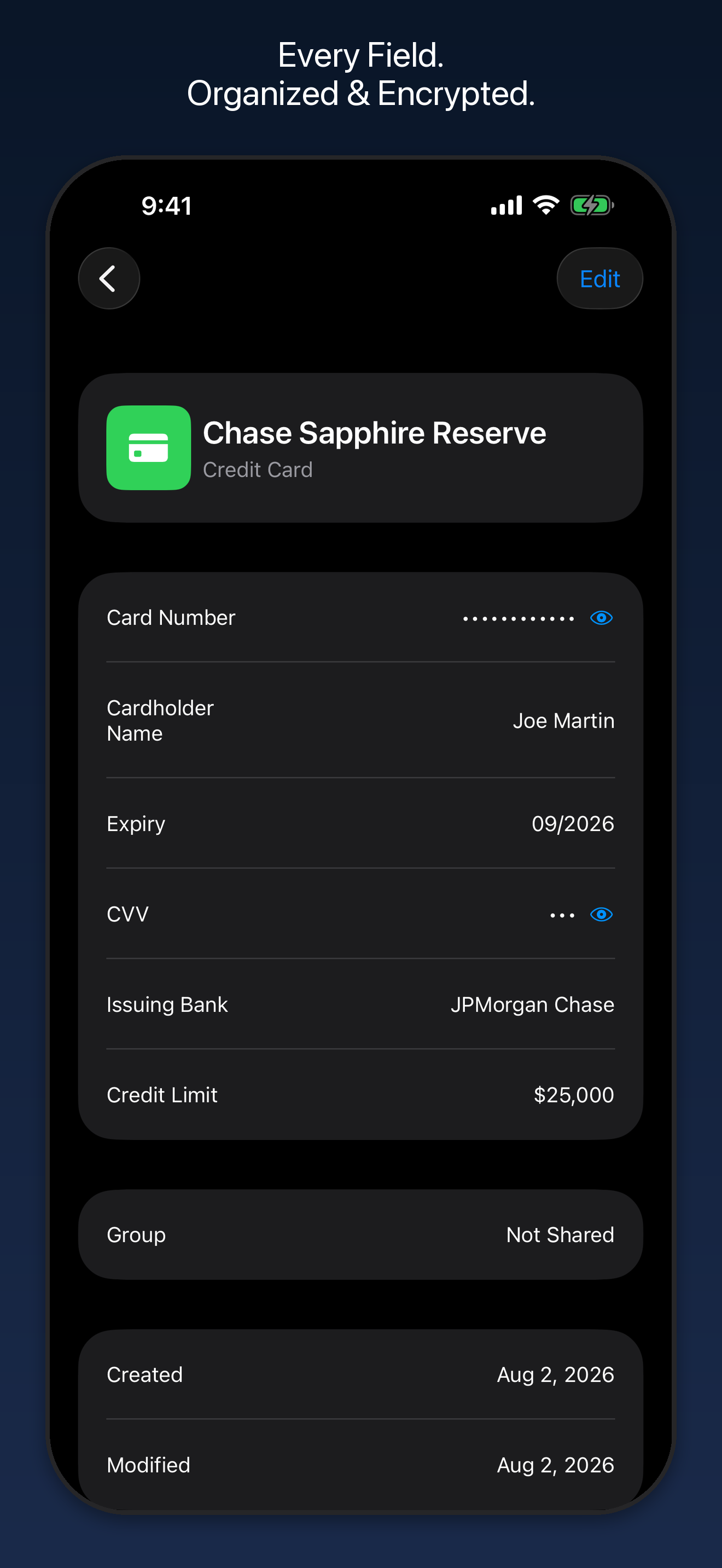
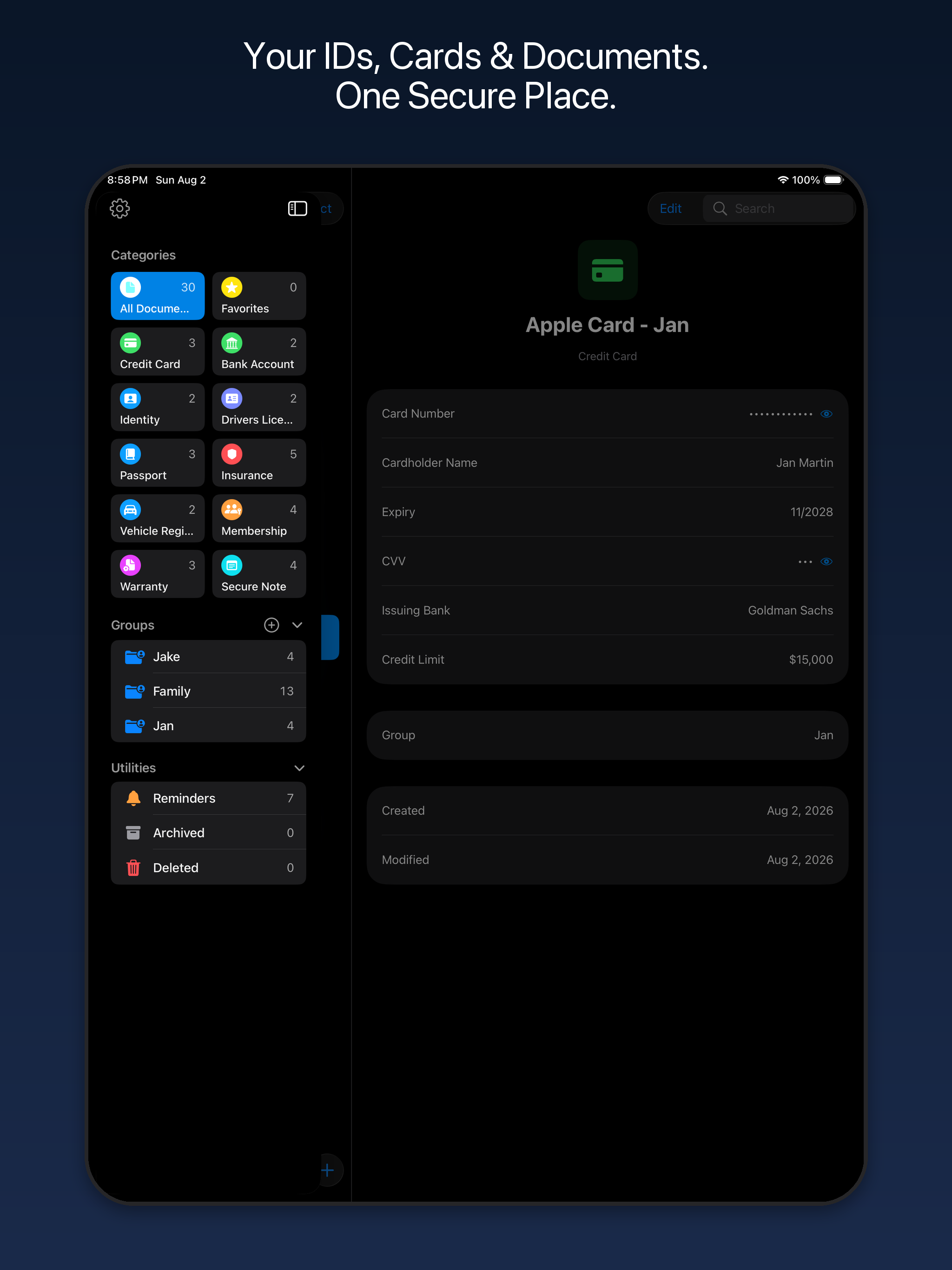
- 14 categories with structured fields, 4 of them optional
- Favorites and reminders are personal to you, even on shared documents
- Archive documents you want to keep but hide from everyday views
- Utilities section for reminders, archived items, and recently deleted documents
- Photo attachments from camera or library
- Optimize Images (Premium, iPhone and iPad): resizes large photos you already saved, like new scans, so they stay sharp and take far less iCloud space
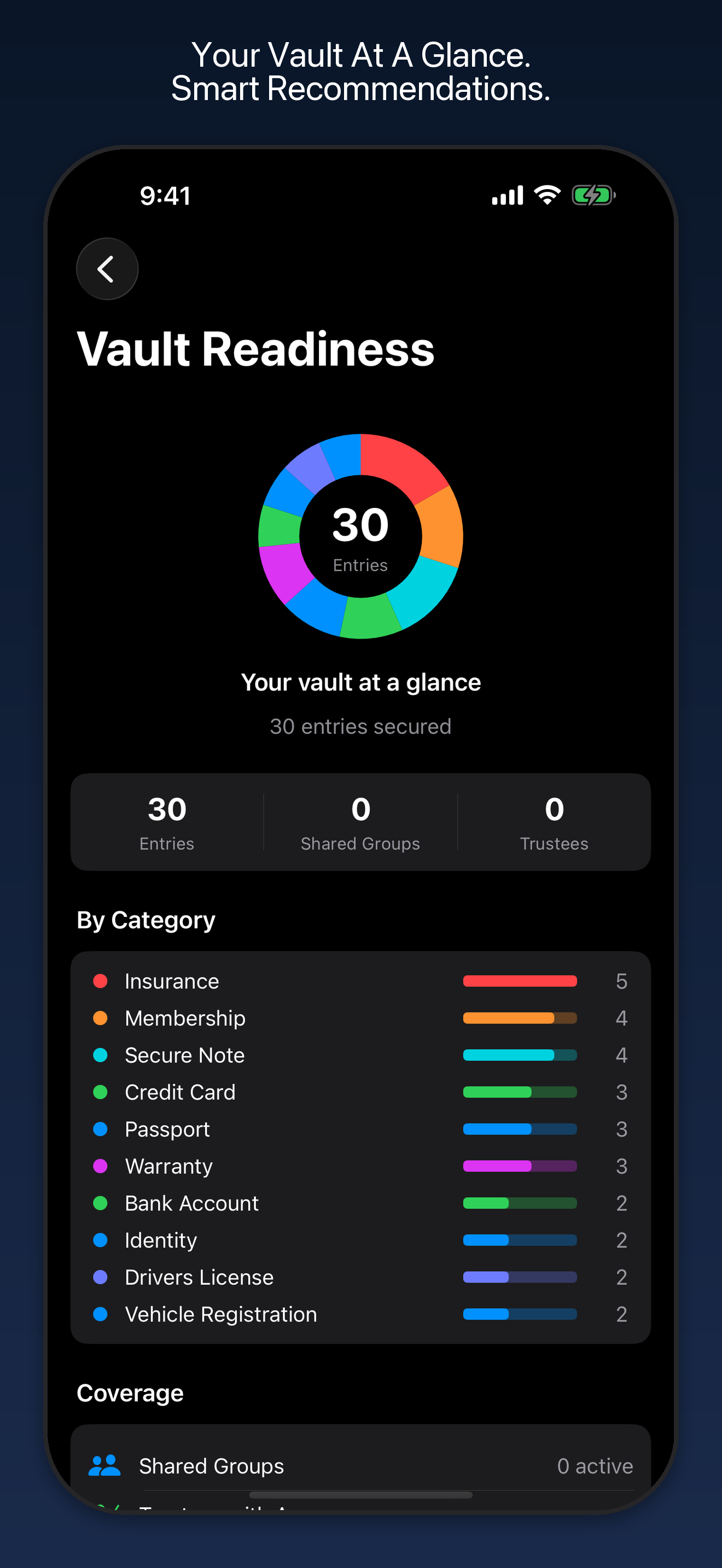
- Storage Usage: see how much space each category takes, and open your largest documents
- Reminders alert you when a document's reminder window opens and again on the day it expires
Search & Access
- Smart Scan to auto-fill documents with your camera
- Voice search: tap the mic and speak to search
- Search results and Reminders show each document's group, so same-named documents are easy to tell apart
- Offline-first with automatic iCloud sync
- Import from 1Password, Bitwarden, LastPass, Dashlane
- Export as encrypted .kvlt bundles
Sharing
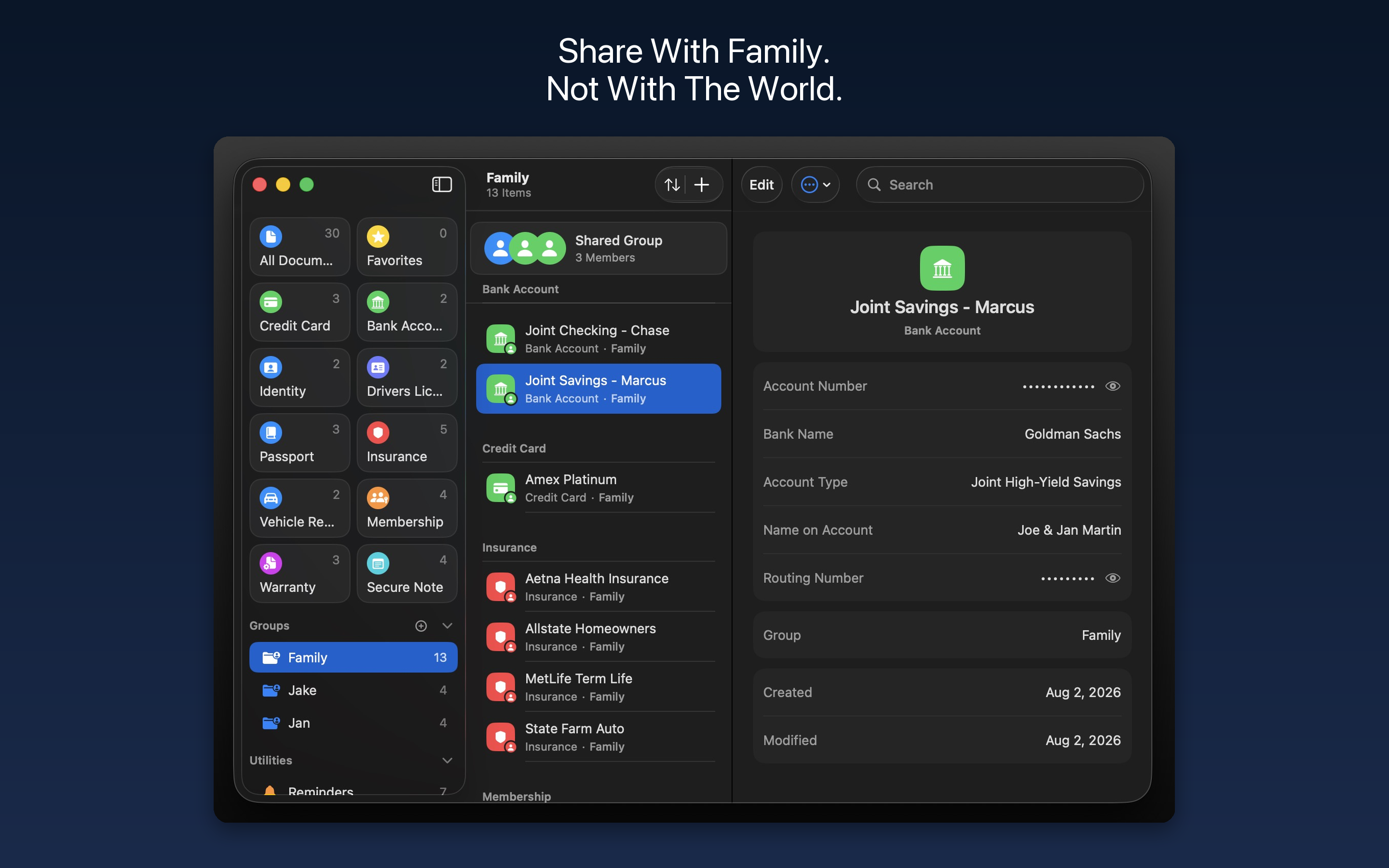
- Secure group sharing with family and friends
- Add people right in the app by email, phone number or contact, then send the invitation from Messages
- Revoke access anytime
- Group views with clear membership details
- Favorites and reminders stay personal, not shared with the group
Backup
- Automated secure backups (daily, weekly, monthly)
- Password-protected encrypted backups
- Manual backup anytime
Fourteen Document Categories
Wi-Fi, IT Asset, Vital Records, and Software License are off by default. Turn them on in Settings, Categories on iPhone or iPad, and your Mac follows the same choice.
Available in 8 Languages
See It in Action: iPhone
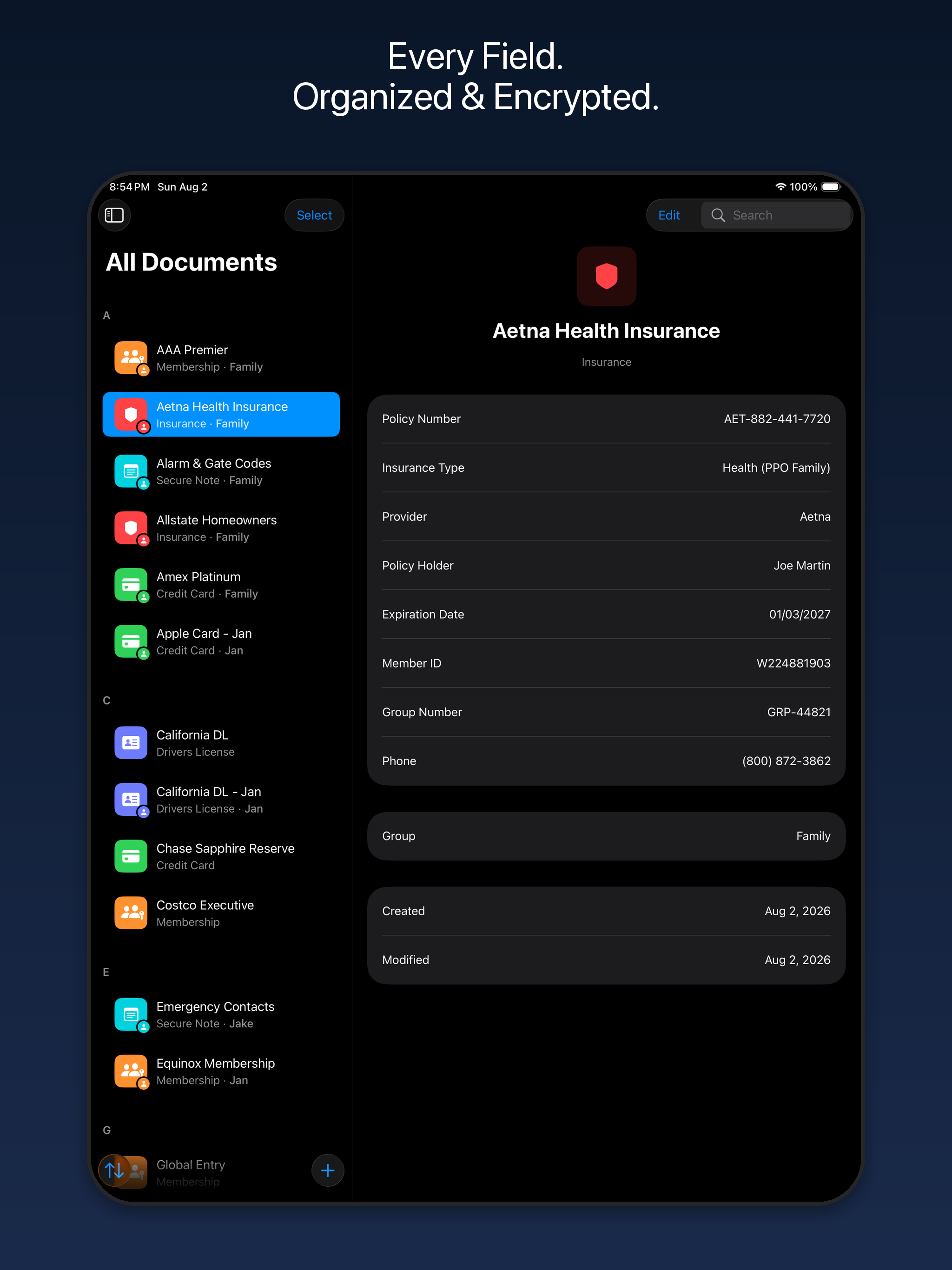
See It in Action: iPad
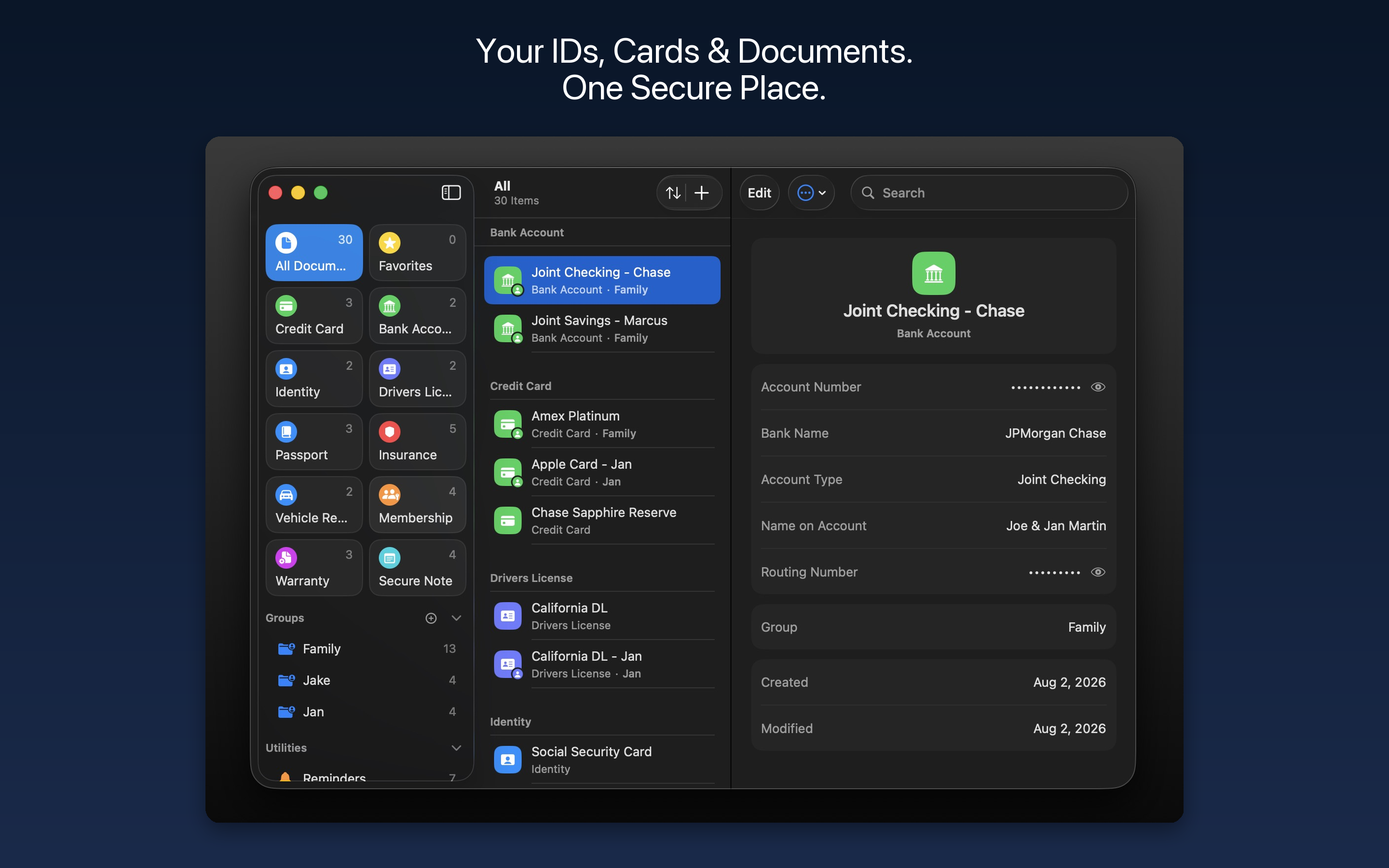
See It in Action: Mac
Ready to Secure Your Documents?
Start free with 10 documents and upgrade when you need more. For plan details, see Pricing.